
In this modern age of the internet, an online presence in the form of a website has become an integral requirement for doing a successful business. The best part about a website is that its construction and maintenance need not and should not be done by a technical person or spend a huge amount of capital. A website, even if basic, will give your presence a professional look and will also attract many more potential customers.
The Necessity of Business Websites
A website is your identity on the internet. When potential customers look for your services, your website provides them with essential information on your business. This also helps you to compete effectively with those who do business offline.

A simple website can:
- Builds/Increased: Customer Trust
- Demstrate your products or services
- Ensure customers find it simple to contact you
- Assist your business in showing up on Google searches.
Step 1: Select a Domain Name
he domain name is the website address, like growbiz365.com . The domain name should be:
- Cite This Work
- Easy and simple
- As it relates to your business
- Keep names short and simple.

Step 2: Choose Web Host
Web hosting: that is where your website lives on the internet. For beginners, choose hosting that:
- Affordable
- Reliable
- Easy to handle
One-click WordPress installation is widely offered by many hosting providers, which is great for beginners.

Step 3: Creating Your Website on WordPress
WordPress is the most popular website platform in the world. It is user-friendly for beginners and flexible.
- With WordPress, you can:
- Create pages with ease.
- Use ready-made themes
- Add features using plugins
- Update content, no coding
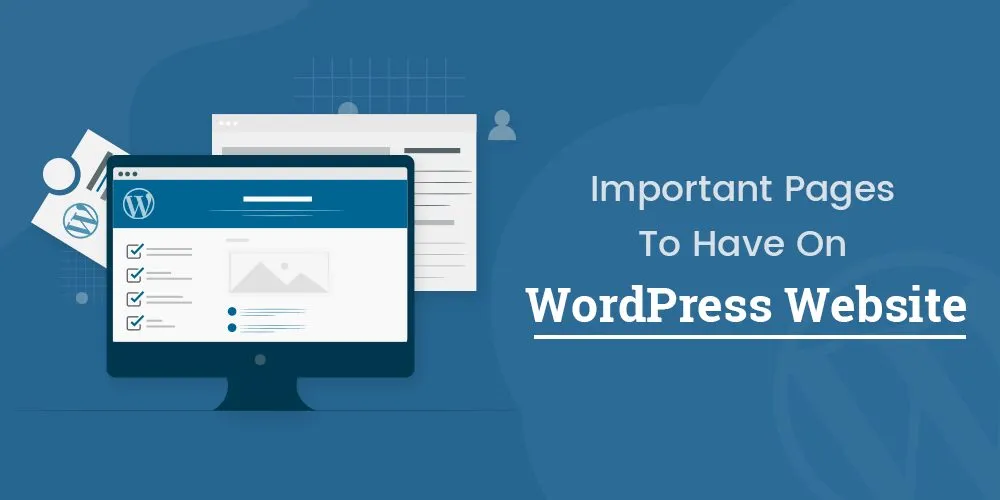
Step 4: Create Important Pages
- A basic business website may require only a few pages:
- Home Page
- Describe who you are and what you do in simple terms.
- About Page
- Share your story, experience, and mission to build trust.
- Services or Products Page
- List your offerings, followed by how those help your customers.
- Contact Page
- Add a contact form, email, telephone number, or business address.
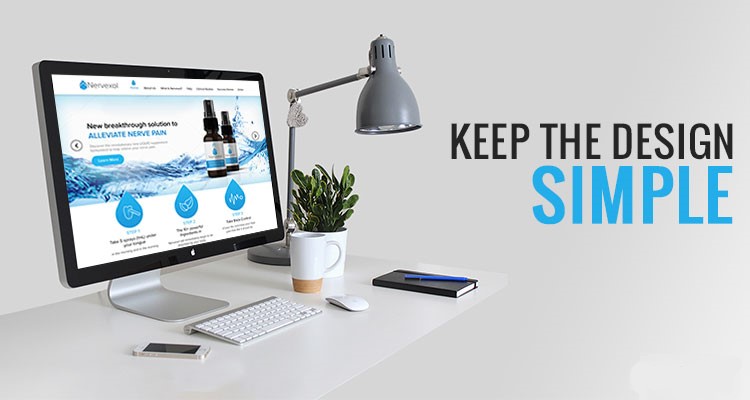
Step 5: Keep the Design Simple
It gives a professional touch to your design and adds to a good user experience.
- Use readable fonts
- Choose soft colors
- Make the website responsive (mobile-friendly)
- Avoid too many animations
- Simple design turns visitors into customers.
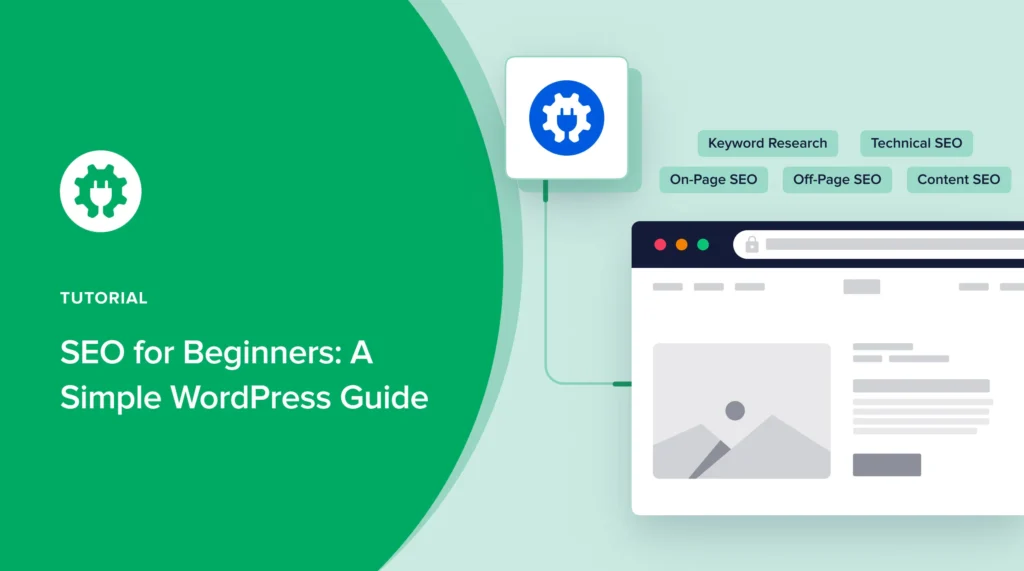
Step 6: Add Basic SEO
- SEO is used to help users locate a website on Google search results.
- Use descriptive page titles
- Composing Easy Headings
- Add keywords naturally
- Ensure your site loads quickly
A slow loading site is a
- Even simple SEO optimization can attract organic visitors.
Final Thoughts
Having a basic website for your business is quite simple and inexpensive. You do not require complex functionality but are only looking for simple information and navigation on your website. Having a basic website will surely help your business expand and increase your online reputation as well as reach more customers.
Begin simple, improve with time, and make your website work for you.
If you want to Grow you’r Businesse online please Contact Us